Wait from anywhere.
Arrive right on time.
Customers take a number at the kiosk, then watch it move on their phone via QR. No app to install. Kiosk, TV and counters keep working when the internet is down.
Why queues hurt
Waiting without certainty wears everyone out
The problem
Customers are stuck in the waiting room for fear of missing their turn.
With Antrila
They track their number from a phone and can wait anywhere.
The problem
Staff keep being asked "how many people are left?".
With Antrila
Customers see their own queue position on their phone, so there is no need to ask staff.
The problem
Owners don't know their busiest hours or how long customers wait.
With Antrila
Automatic reports: wait times, peak hours and customer ratings.
The key advantage
Wait anywhere. Keep an eye on your number.
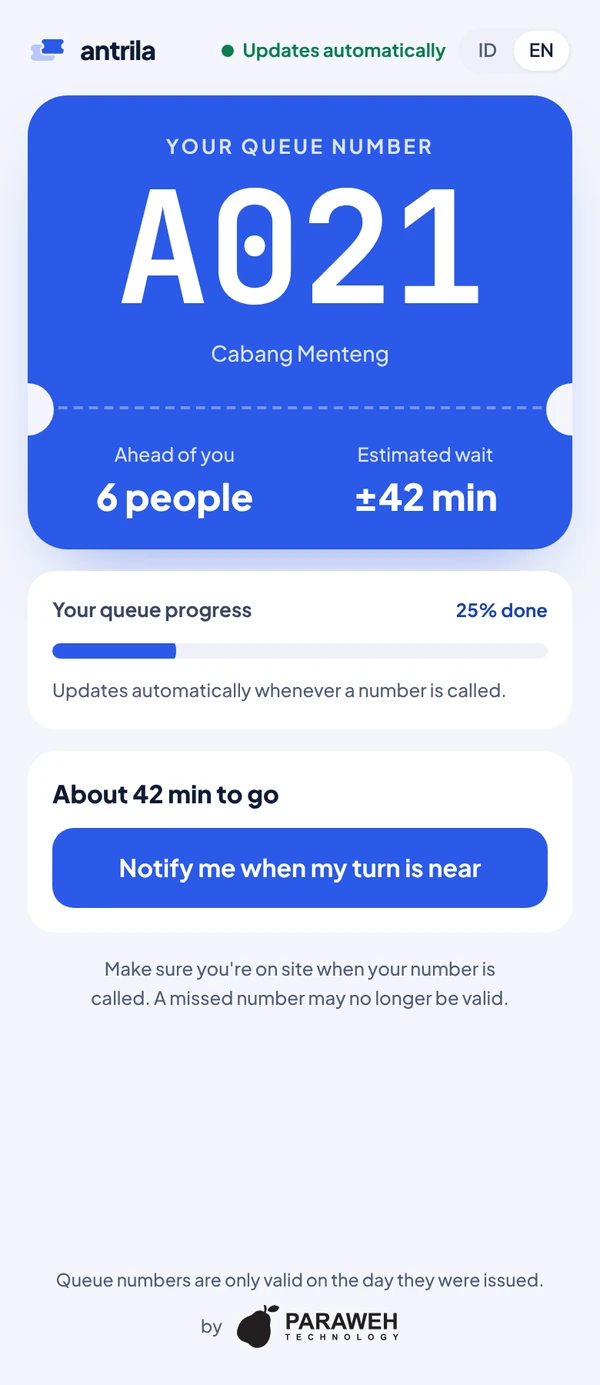
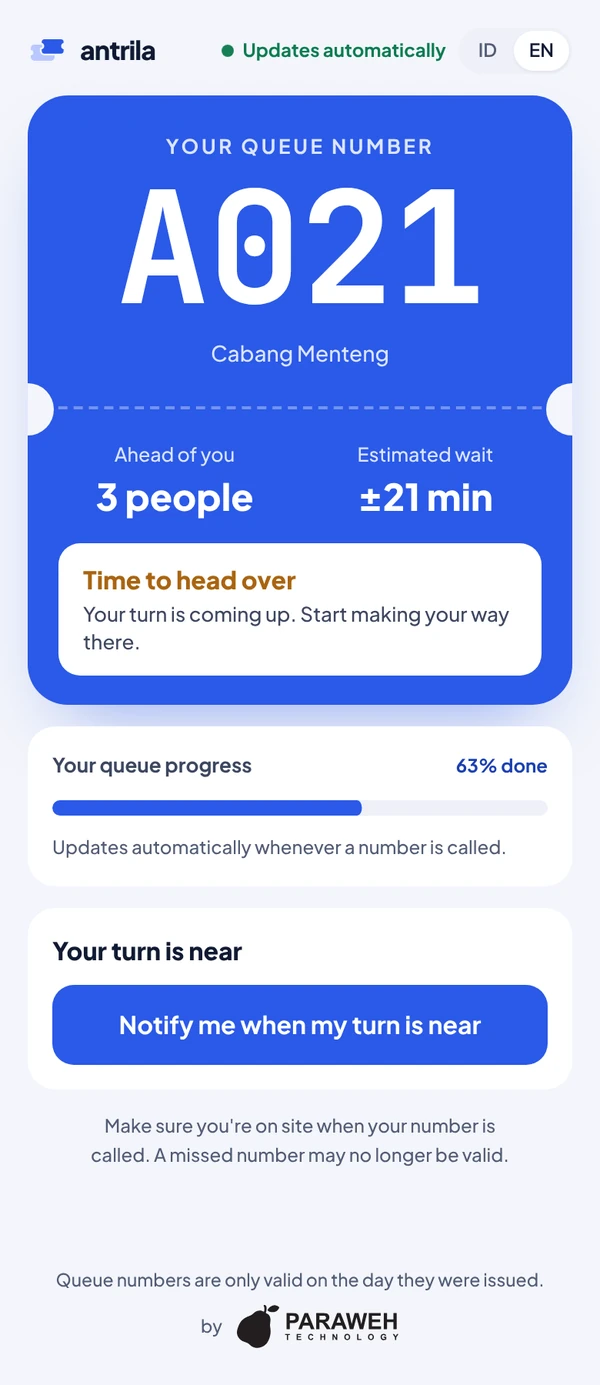
Just scan the QR on the ticket. No app to download and no account to create.
- Grab a coffee20 ahead± 80 min
- Go shopping12 ahead± 50 min
- Head back7 ahead± 30 min · time to head back
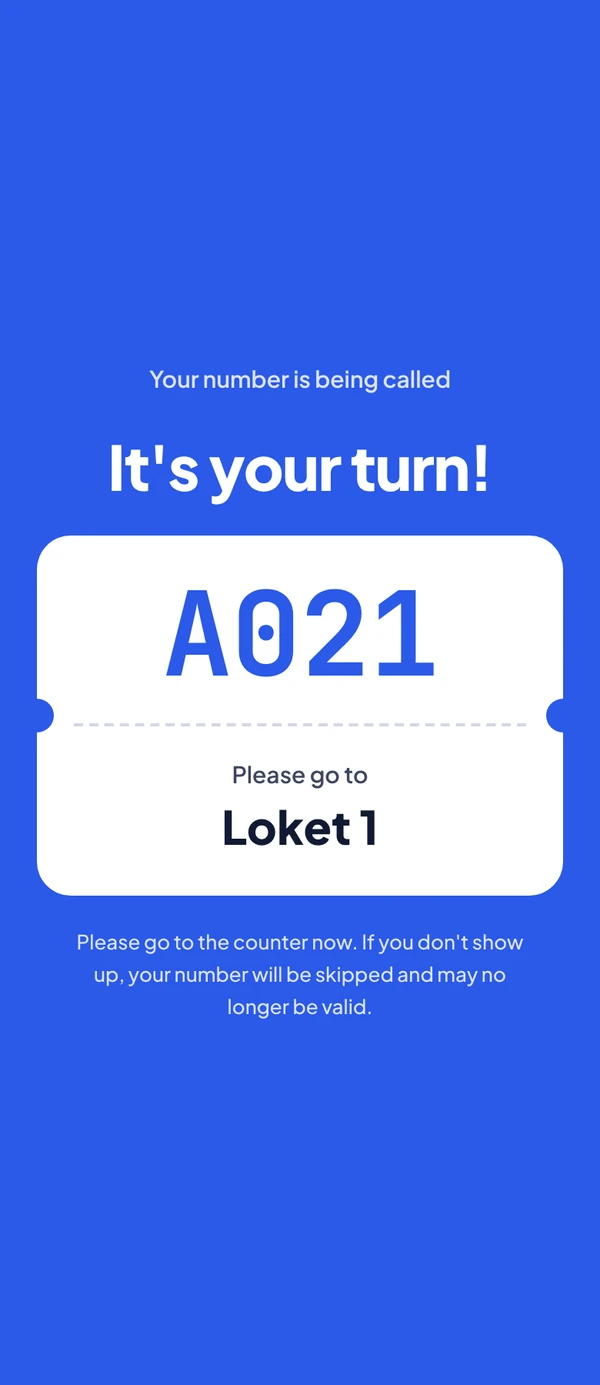
- At the counterYour turn!No standing in line
Illustration. The real counts and estimated minutes follow your branch's queue and service-time estimates.
How it works
Four steps for your customers
- 1Take a numberat the kiosk
- 2Scan the QRon the ticket or screen
- 3Ask for a reminderas the turn nears
- 4Get calledon screen and by voice
Advantages
What sets Antrila apart
Six things we built on purpose, each one you can try for yourself before deciding.
Track from a phone, no install
Customers scan the QR on their ticket and a live progress page opens in the browser. No app, no account, in Indonesian or English.
A web-based queue status page in two languages.
Keeps running when the internet is down
A host computer at the branch stores and runs the queue. Kiosk, TV and counters connect over the branch Wi‑Fi, and data syncs automatically once the internet is back.
Every queue event is saved on the branch computer first, then sent to the cloud.
No server to rent, no special hardware
One Windows computer as the host is enough. TV displays, kiosks and counters run through the app or a browser on any computer or tablet on the branch network.
Browser addresses for Monitor, Kiosk and Counter are shown in the host app.
Voice call-outs, in your own voice
Numbers are called out in Indonesian or English. Record your own staff's voice; the computer's built-in voice is the fallback.
Audio settings provide a recording slot for each digit and letter.
Reports you can act on
Average wait and service times, peak hours, results by service, counter and staff member, plus customer ratings and notes. Download as PDF or CSV.
Star ratings appear after a customer's number has been served.
Tidy, secure team access
Owners sign in with Paraweh ID. Staff, team members and devices have separate access, and each role only sees what it is allowed to.
Permissions per role: reports, services, bookings, devices and team.
At the branch
One queue, three screens
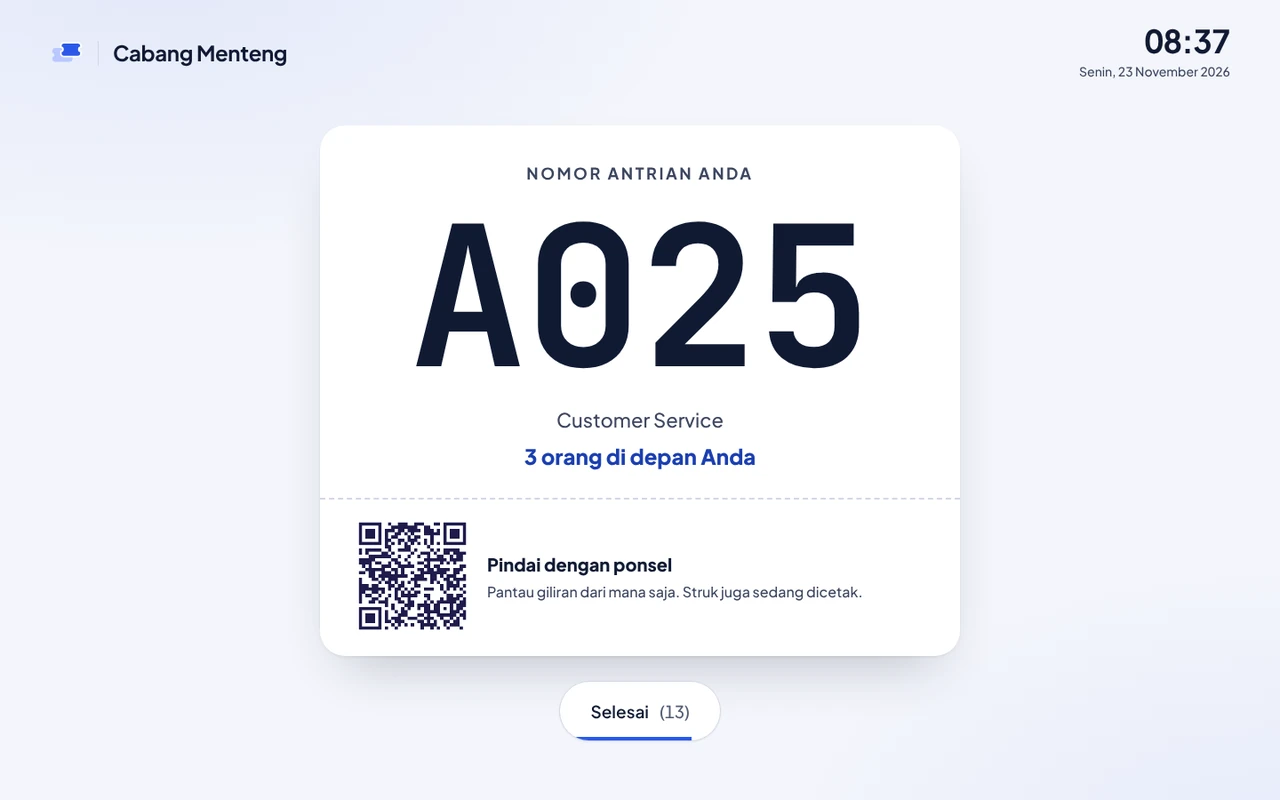
Kiosk
Customers take their own number, QR ticket
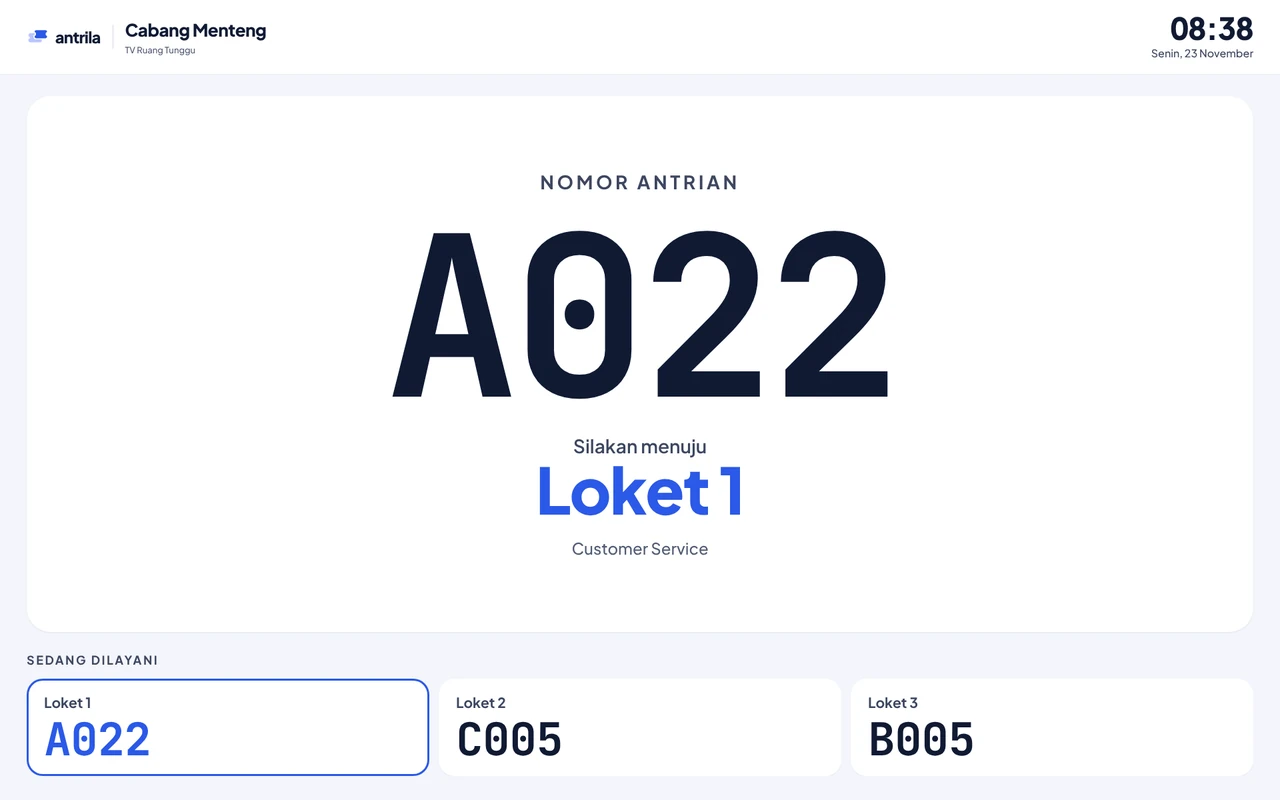
TV display
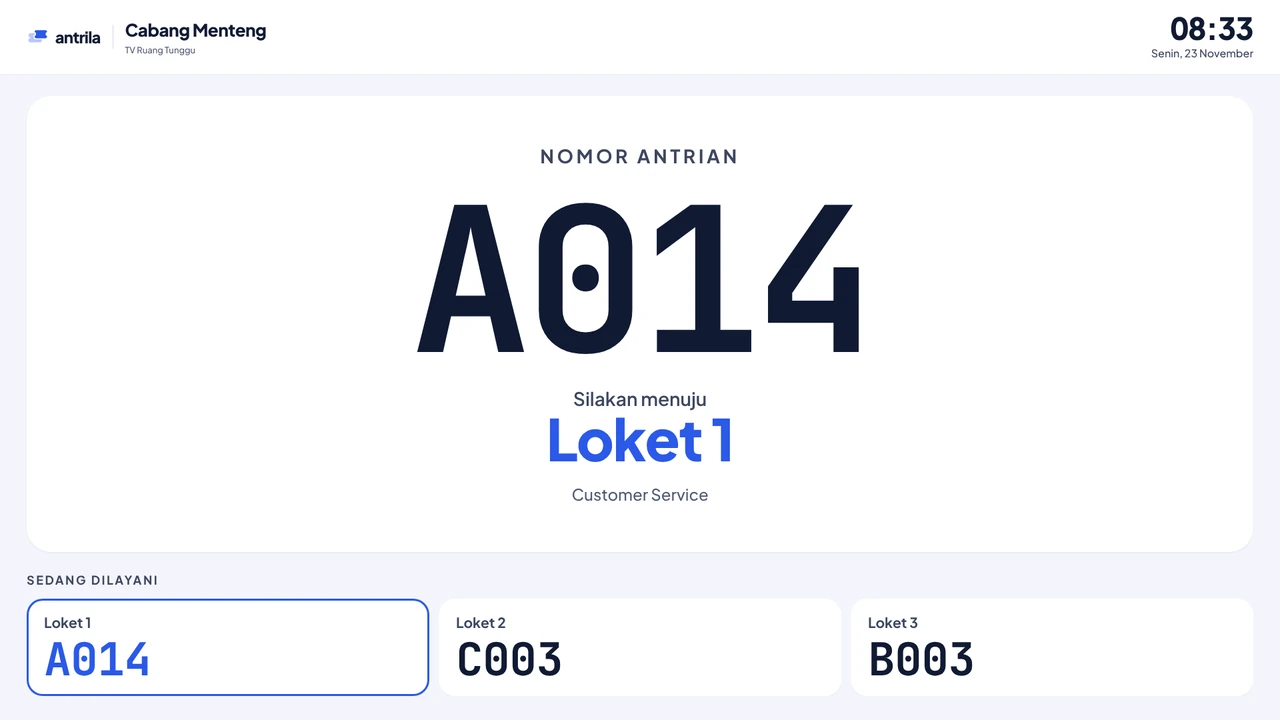
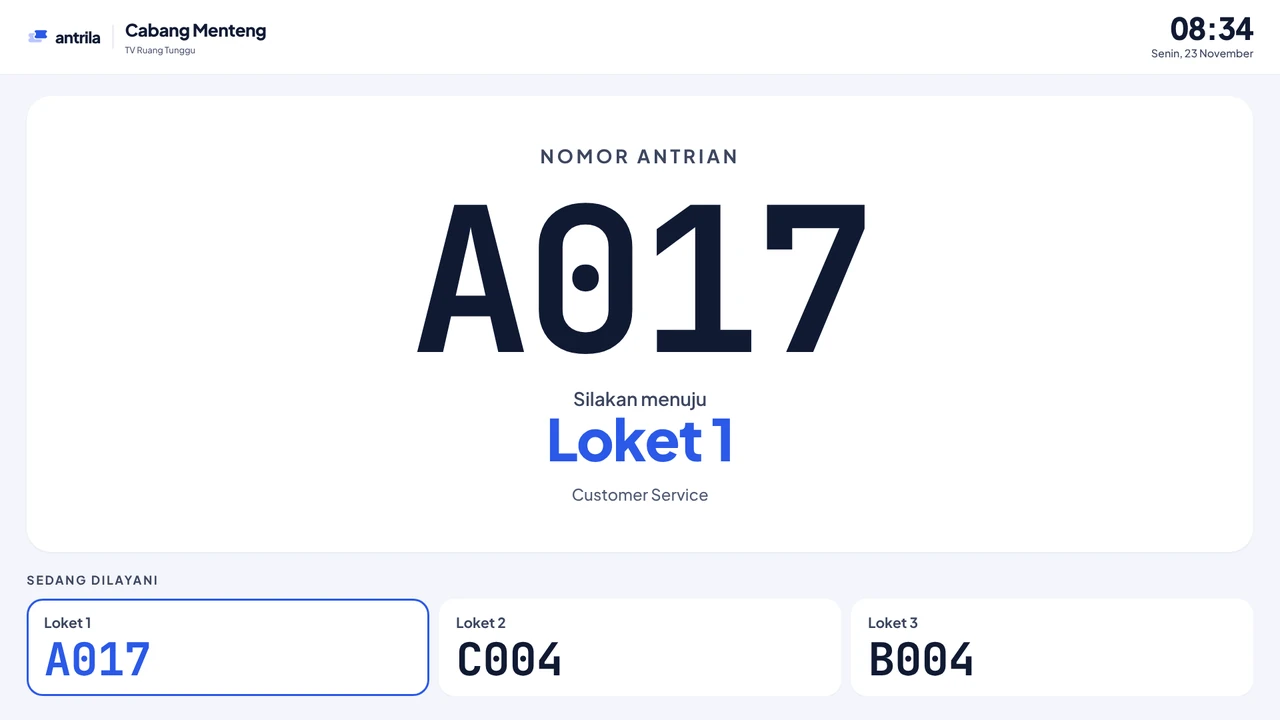
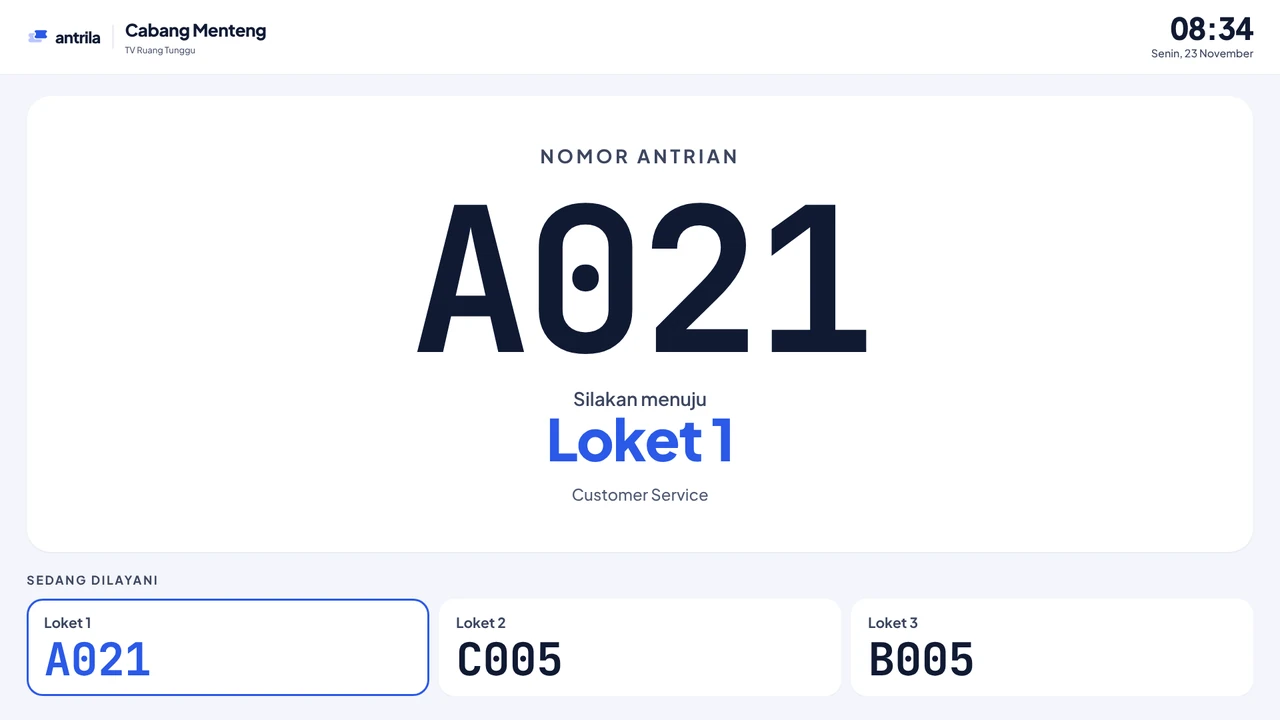
Numbers called out, with voice
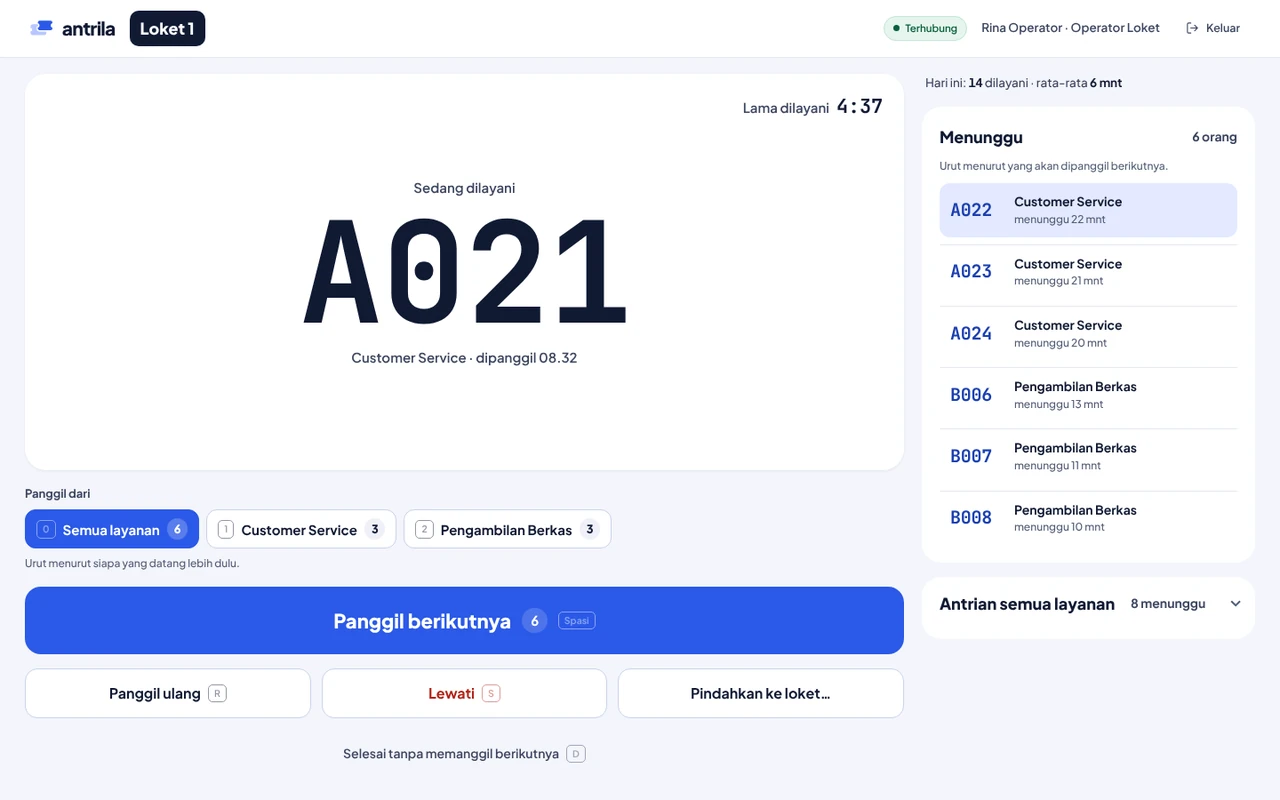
Counter screen
Call, skip or transfer a number
Compared with other ways
How is it different from other ways to queue?
| Paper tickets / manual board | Cloud-based queueing | Antrila | |
|---|---|---|---|
| Customers track their turn from a phone | No: No; customers have to wait on site | Partly: Usually, some through an app | Yes: Yes: QR on the ticket, no install and no account |
| Keeps running when the internet is down | Yes: Yes, but with no digital features | No: Usually stops or is limited | Yes: Yes: the queue runs on the branch computer |
| Servers and cost | Partly: Cheap, but no data | Partly: Usually a recurring subscription | Yes: No server to rent; free for one branch |
| Wait-time and peak-hour reports | No: Counted by hand, if at all | Yes: Usually included | Yes: Included, plus customer ratings and PDF/CSV export |
Customers track their turn from a phone
- Paper tickets / manual board
- No; customers have to wait on site
- Cloud-based queueing
- Usually, some through an app
- Antrila
- Yes: QR on the ticket, no install and no account
No:Partly:Yes:Keeps running when the internet is down
- Paper tickets / manual board
- Yes, but with no digital features
- Cloud-based queueing
- Usually stops or is limited
- Antrila
- Yes: the queue runs on the branch computer
Yes:No:Yes:Servers and cost
- Paper tickets / manual board
- Cheap, but no data
- Cloud-based queueing
- Usually a recurring subscription
- Antrila
- No server to rent; free for one branch
Partly:Partly:Yes:Wait-time and peak-hour reports
- Paper tickets / manual board
- Counted by hand, if at all
- Cloud-based queueing
- Usually included
- Antrila
- Included, plus customer ratings and PDF/CSV export
No:Yes:Yes:
A general picture by type of solution, not a verdict on any specific brand: each product's features differ and change. The Antrila column describes the product today; check for yourself before deciding.
Who it's for
Used wherever there's a counter
Clinics & practices
The waiting room is crowded, with coughing and feverish patients sitting close together.
Learn morePublic services
People arrive very early just to be sure of getting a turn.
Learn moreService centers
Customers crowd around the service desk for fear of missing a call.
Learn moreCustomer service
Customers with quick errands get stuck behind long ones.
Learn more
When the internet is down
Internet down? The queue keeps moving.
- Devices connect over the branch Wi-Fi
- Internet down? Keep serving
- No server to rent
Getting started
Get going in three steps
Step 1
Sign up
With a Paraweh account
Step 2
Install the app
On the branch computer
Step 3
Start serving
Display & kiosk join in
FAQ
Frequently asked questions
What is Antrila?
Antrila is a queue system for counters and branches. Customers take a number at the kiosk, staff call it from the counter screen, the TV shows and announces the call, and customers can follow their turn from a phone via the QR on their ticket.
Do customers have to install an app?
No. Customers scan the QR on their ticket and a live progress page opens in their phone's browser, with no app and no account to create.
What happens if the branch's internet goes down?
The kiosk, TV and counters keep working because the queue runs on the host computer at the branch over the local network. Data syncs to the cloud once the internet is back. The tracking page on a customer's phone depends on that sync, so its updates are delayed until the branch reconnects.
What equipment do I need?
One computer running Windows 10 or later as the host at the branch. The kiosk, TV display and counter screens can use the same app or open in a browser on a computer or tablet on the same Wi‑Fi network. A ticket printer is optional.
How much does it cost?
One branch is free, with no limit on services, counters, TV displays or kiosks, and no credit card. A multi-branch plan is being prepared, and your free branch carries over automatically.
How are customers reminded when their turn is near?
The tracking page shows a head-over suggestion as the turn nears, and customers can ask for a reminder. Which reminder channels are available, such as phone notifications, WhatsApp or the Broadcast app, depends on the branch's settings.
Are there ads on the customer page?
The queue status page can show sponsor ads that are always labelled "Sponsor". The business owner can switch them off for each branch at any time. No customer or business data is given to advertisers. The details are in the Terms of Service.
Which languages are supported?
The site, the customer tracking page and the voice call-outs are available in Indonesian and English.
Who makes Antrila?
Antrila is made by Paraweh Technology (PT Paraweh Teknologi Bangsa) in Indonesia. Business owners sign in with Paraweh ID.