Features
From kiosk to reports, in one queue system
Antrila runs the whole queue at a branch: customers take a number, follow their turn from a phone, get called on screen and by voice, then rate the visit and feed the owner's reports.
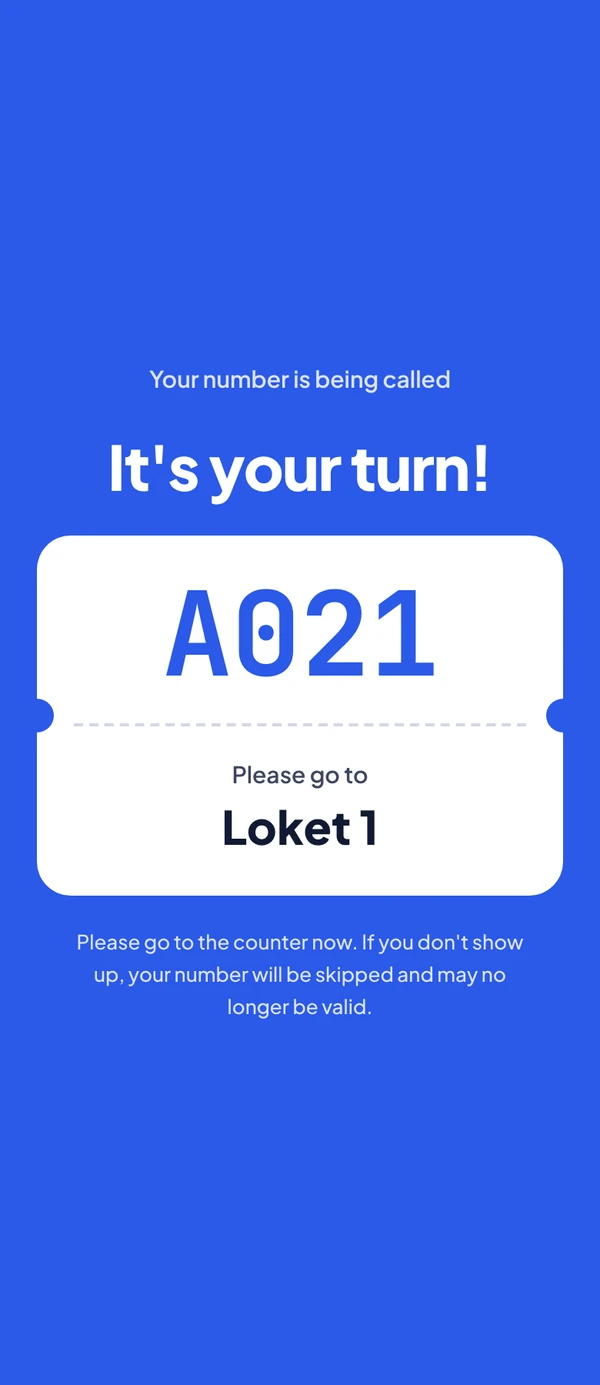
For customers
Wait without standing on site
All of this opens in the phone's browser after scanning the QR. Nothing to install.
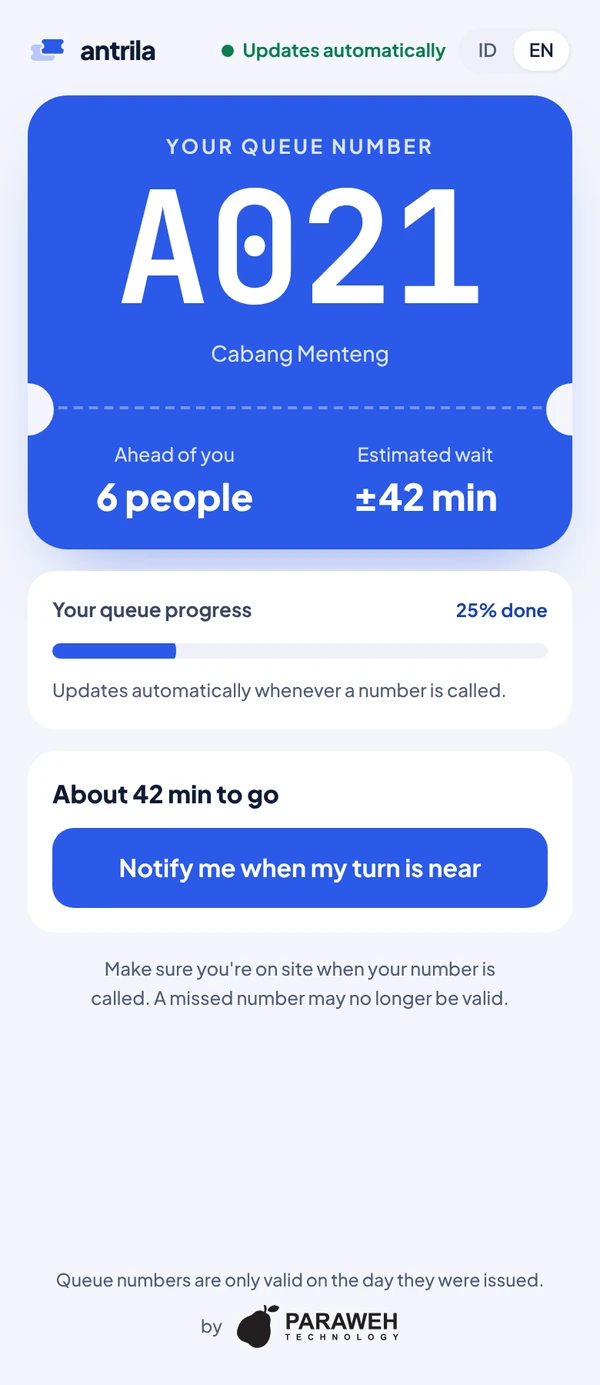
Track your turn from a phone
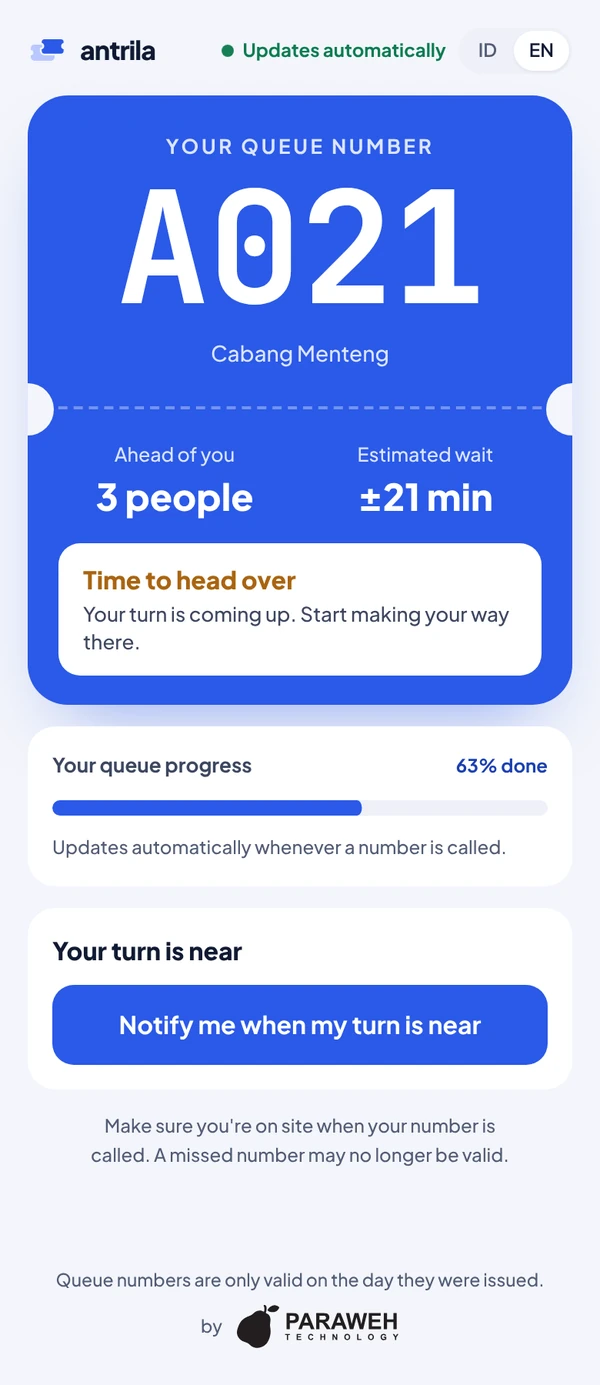
Queue position and estimated time update live without reloading the page. The estimate follows the service times you set. No app and no account.
Head-over suggestion and reminders
As the turn nears, the page suggests heading to the location, and customers can ask for a reminder. Which channels are available depends on the branch's settings.
In Indonesian or English
The tracking page appears in a language that suits the customer, including tourists who scan the QR at your branch.
Ratings after service
Customers give 1 to 5 stars. Low scores invite a written note; high scores are sent straight away.
Booking codes (optional)
Customers who booked ahead redeem their code at the kiosk and get a number right away. An admin turns it on.
At the branch
Three screens holding one queue
They all talk over the branch network, so none of them depends on the internet.
Self-service kiosk
Customers pick a service and get a number, with a QR on screen. A ticket is printed if there is a printer; a printer is optional.
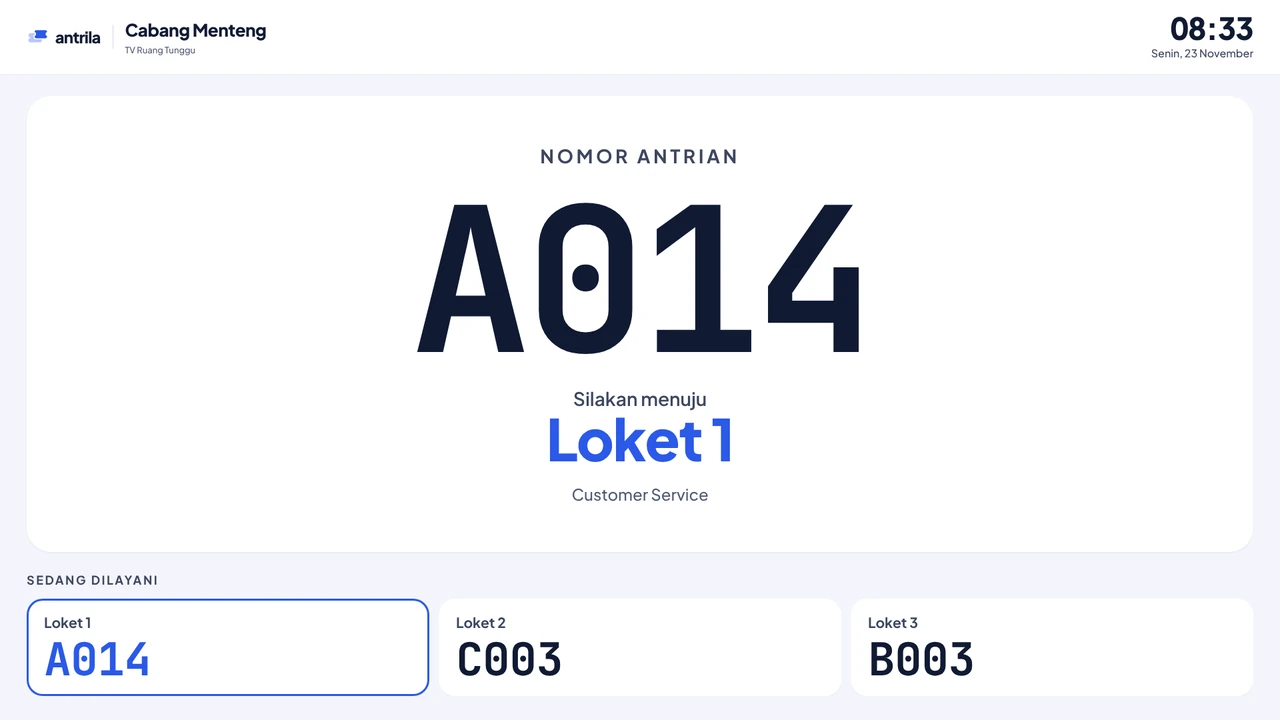
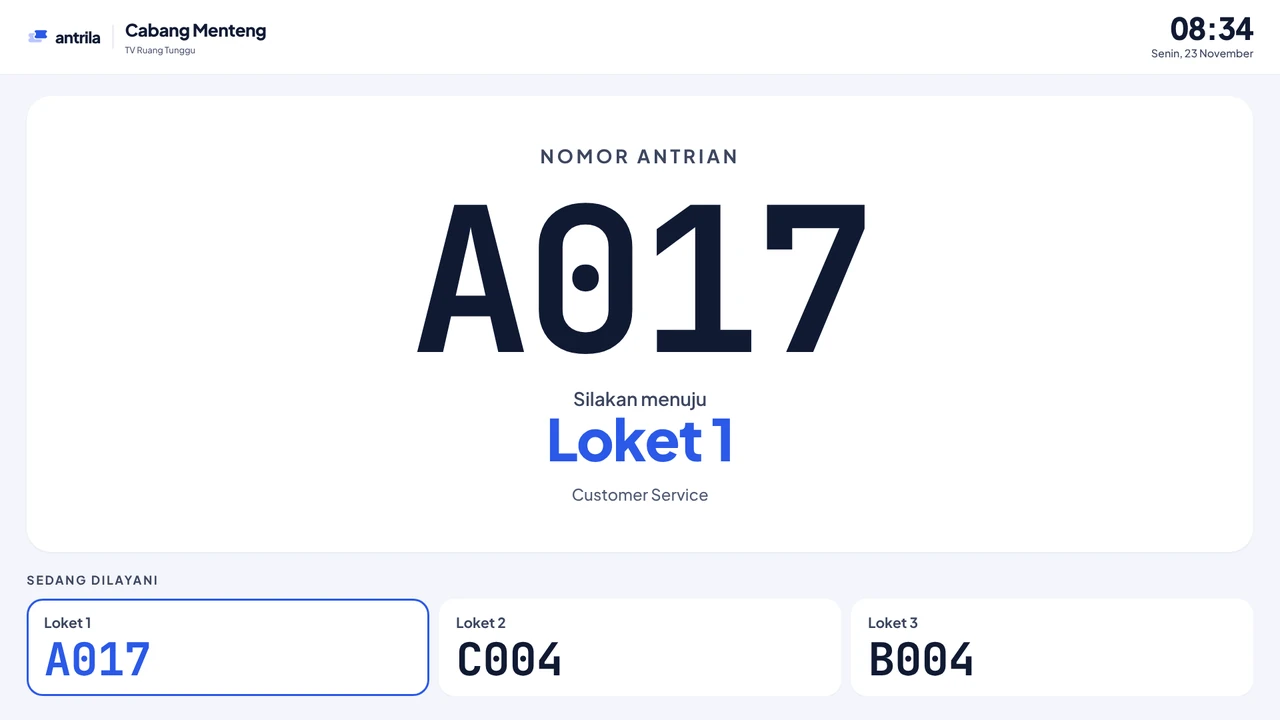
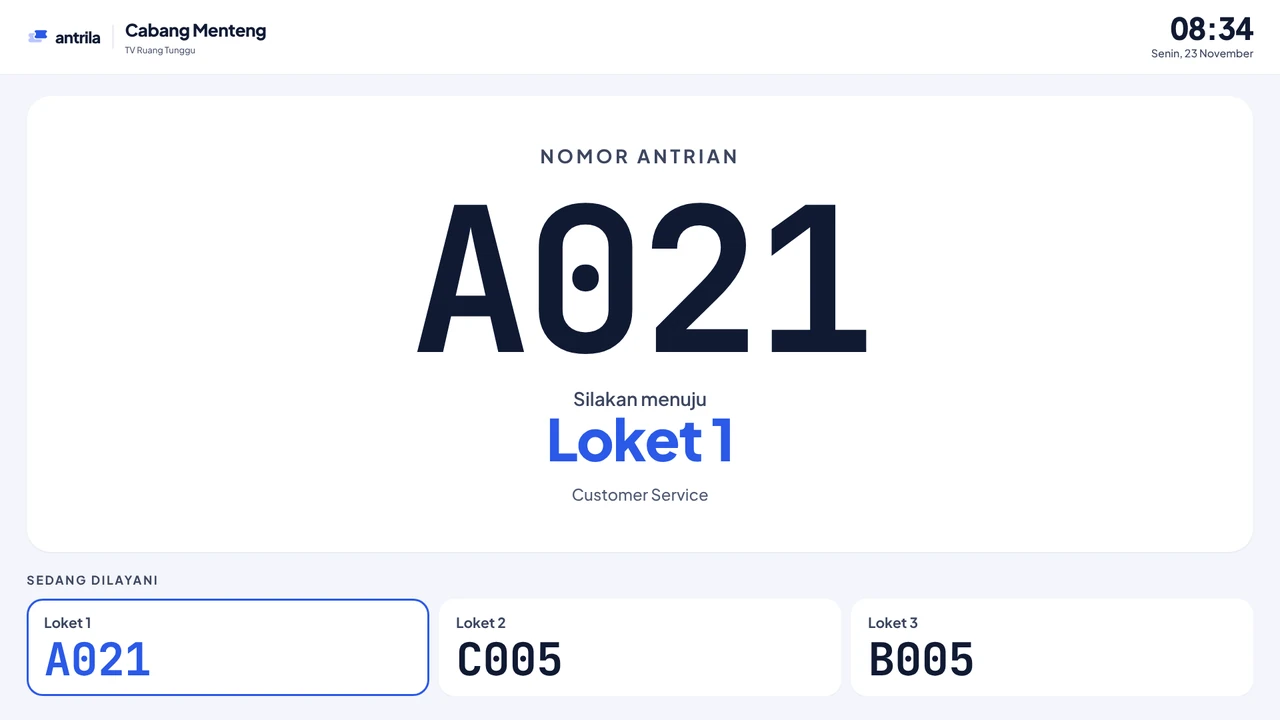
Waiting-room TV
Shows the number being called and the counters currently serving. The queue is never covered by the promo area.
Voice call-outs
Numbers are called in Indonesian or English. Record your own voice for each digit and letter; the computer's built-in voice is the fallback.
A promo area on the TV
Show photos or silent video beside the queue, at a width you can set.
Staff counter screen
Call next, call again, skip, transfer to another counter, or finish. A counter that holds several services can choose which one to call from.
A call-for-help button (optional)
The kiosk can show a button that alerts staff at the counters. Off by default; an admin turns it on.
For owners
Know what's happening at your branch
Data is collected automatically from the everyday queue, with no extra bookkeeping.
Queue reports
By day, hour, service, counter and staff member: numbers issued, served, skipped, average wait and service time, and the busiest hour. Download as PDF or CSV.
Voice of the customer
The spread of ratings and written notes feed the reports, per service, counter and staff member.
Role-based team access
Invite your team and set each role's permissions: reports, staff reports, services, bookings, devices or team. The owner always has full access.
Sign in with Paraweh ID
One account for every Paraweh product. Antrila never asks for or stores your password.
Reliability
Built so a branch never stops serving
Antrila is designed offline-first: what matters runs on the branch computer, not on a distant server.
Keeps running when the internet is down
The queue runs on the host computer at the branch. Data syncs to the cloud automatically once the internet is back; phone tracking waits for that sync.
No server to rent
There's no server for you to pay for or maintain. Your branch computer is the server.
Screens via app or browser
The kiosk, TV display and counters can use the same app or open in a browser on a computer or tablet on the branch network.
Other apps can connect
Apps on the branch network, such as a point-of-sale app, can be paired to take numbers and call them.