Who it's for
A queue system for public service offices
Public service offices are usually busiest in the morning, with several types of service and different counters. Antrila separates numbers by service, calls from the right counter, and lets people wait comfortably.
The situation
The problems that come up most
- 1People arrive very early just to be sure of getting a turn.
- 2It's unclear which counter handles which service, so people join the wrong line.
- 3It's hard to show how long people really wait.
Antrila
How Antrila helps a service office
One kiosk, numbers per service
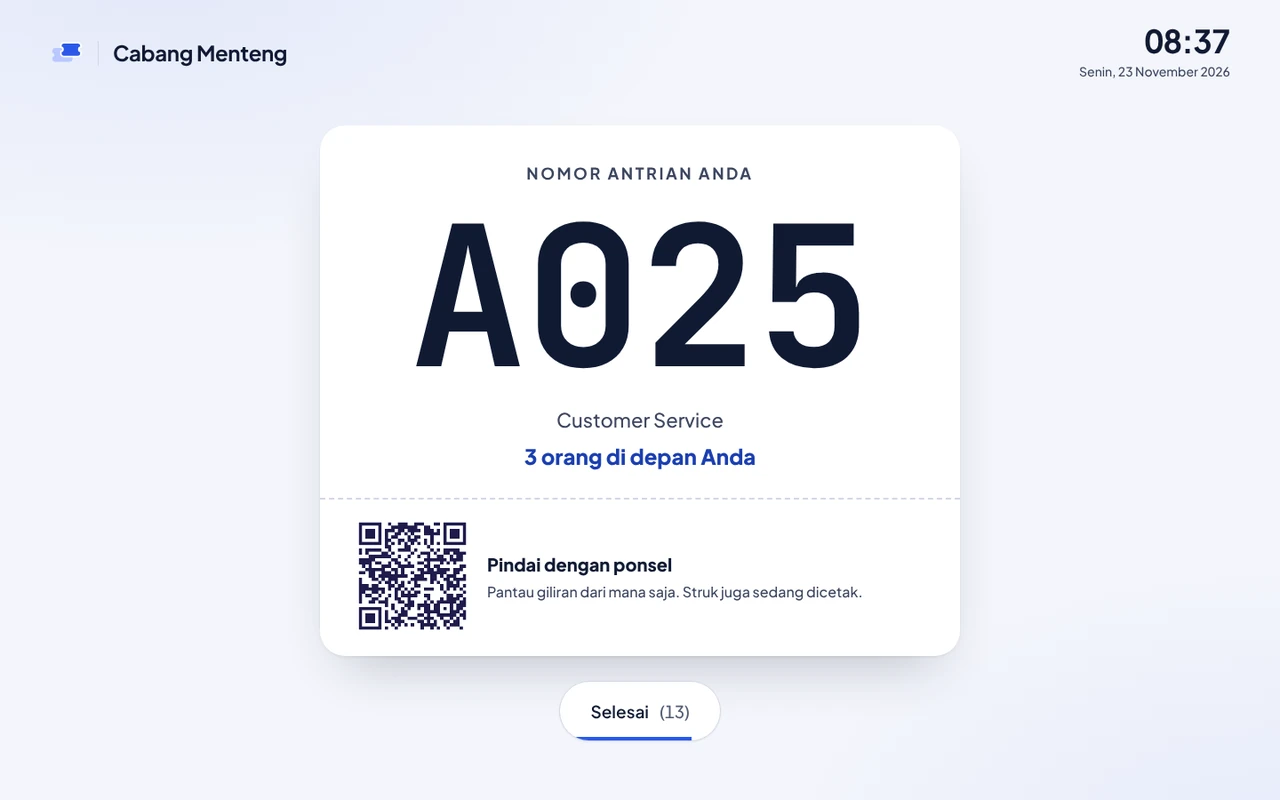
People pick the type of service at the kiosk and get a matching number, so nobody joins the wrong queue.
A call-for-help button
The kiosk can show a "need help" button that alerts staff at the counters. It is off by default and turned on by an admin.
Booking codes
People who booked ahead can redeem their code at the kiosk and get a number right away. An admin turns this option on too.
Wait-time reports
Average wait and service times by service, counter and staff member, downloadable as PDF or CSV.
An illustration
An example service-office setup
You name your own services and counters; this is only an illustration.
| Service | Counter |
|---|---|
| Document processing | Counters 1 to 3 |
| Complaints | Counter 4 |
| Information | Counter 5 |
| Document pickup | Counter 6 |
Good to know: Antrila manages the queue on site. It does not process applications or documents, and does not connect to an agency's administrative systems.
FAQ
Questions from this situation
What if the office's power or internet is unreliable?
The queue runs on the host computer in the office over the local network, so a dead internet connection does not stop the kiosk, TV or counters. Data syncs to the cloud once the internet is back.
Can staff skip or transfer a number?
Yes. From the counter screen staff can call next, call again, skip a number, or transfer it to another counter.
Other situations